


Pam Ann Marketing
SEO/PPC/Analytics Services
You are here
Stealth Search & Analytics
Resell Pam Ann Services
Visit Site →
contElevate
Content Intelligence Platform
Visit Site →
Pam Ann AI
AI & Software Development
Visit Site →
Data Studio (formerly Looker Studio)

Data Studio (formerly Looker Studio) Consulting & Custom Dashboard Services

We've Been Building Dashboard with Data Studio Since It Was Launched in 2016.

First, let’s get the naming confusion out of the way:

  • 2016: Google launches its dashboard-building tool as “Data Studio.” 
  • 2019-2022: Google renames the tool “Looker Studio”
  • 2026: Google changed the name back to “Data Studio” 

We’ve been building data dashboards with this tool since it was launched in 2016. Ten years, two renames, and thousands of dashboard builds later, we’re still at it.

The 2026 Data Studio logo

GA4 Sucks at Data Visualization

GA4 collects a lot of useful data. Finding and visualizing it is another story. Most teams log in, click around for 20 minutes, and give up.

As Looker Studio consultants, we build custom dashboards in Data Studio (formerly Looker Studio), Google’s free reporting tool, so your team can see the numbers that matter in seconds, without learning GA4.

Why a Custom Dashboard?

A custom dashboard puts the metrics you report on in one place, outside of the scary GA4 interface, and lets you easily change date ranges, filters, and more.

We build dashboards around your questions so that:

  • Your staff can pull monthly numbers on their own, without asking the one person who knows GA4.
  • Leadership sees a clear, consistent view of how the website is performing, shared by link like a Google Doc.
  • You can combine data from different tools, such as GA4, Google Ads, Search Console, and your CRM, in one report instead of five.
Beautiful Looker Studio Reporting Dashboard Design
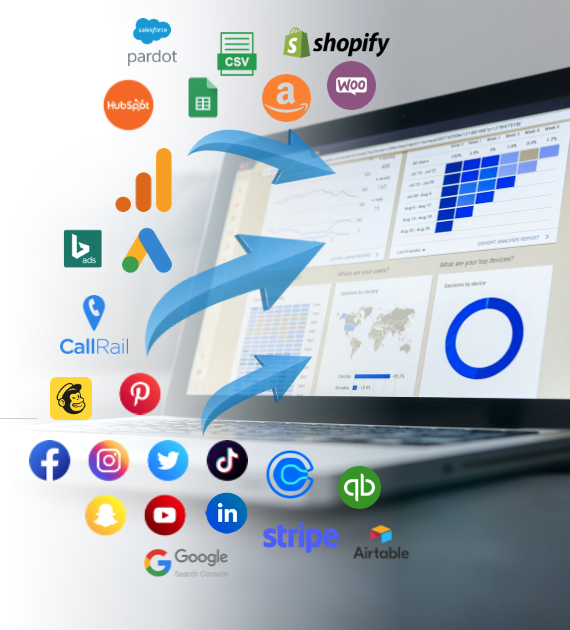
Infographic of integration sources

Hundreds of Data Sources

Data Studio connects to hundreds of data sources. Some of the most popular:

  • Google Analytics 4
  • Google Ads and Microsoft (Bing) Ads
  • Google Search Console
  • Google Sheets and CSV files
  • Facebook, Instagram, LinkedIn, X, Pinterest, TikTok, and Snapchat
  • CRMs such as HubSpot and Salesforce
  • E-commerce platforms such as Shopify, WooCommerce, Amazon, and Stripe
  • CallRail, Calendly, QuickBooks, Mailchimp, Airtable, and many more

Google’s own sources connect for free. Many others need a third-party connector, and some charge a monthly fee. We’ll tell you up front if your setup needs one. When no connector exists, we can often build a custom one.

First, We Make Sure the Data is Right

A dashboard is only as good as the data behind it. In our recent work, we found a utility losing more than 19,500 events in a single 28-day period to GA4’s “unassigned” bucket, and a nonprofit’s ad account counting every form submission three times. A beautiful dashboard built on data like that would have been confidently wrong.

So before we build, we check that your tracking is accurate. If it isn’t, we can fix it first with our GA4 audit and setup services.

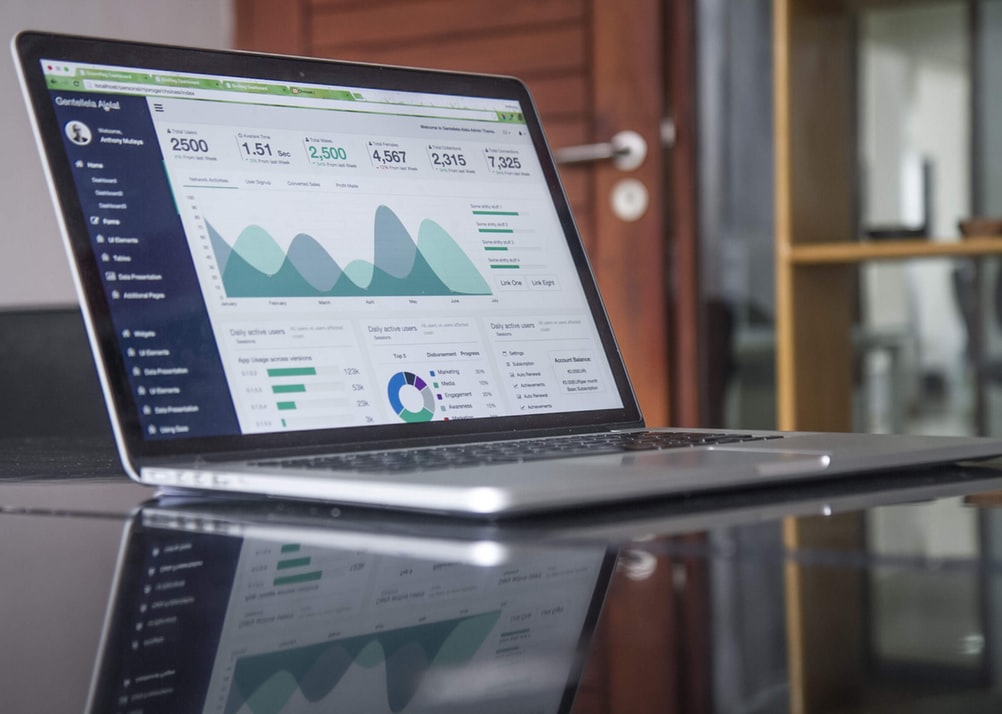
Image of Website Analytics

How It Works

  1. You tell us what you want to know. We capture it as simple statements like “We want to see X so that we can know Y.” This keeps every chart tied to a real decision.
  2. We build your custom dashboard. We design it around your questions, not a generic template.
  3. We review it together. We walk through the draft with you, collect feedback, and revise.
  4. We train your team. We record the session so new staff can get up to speed later. We don’t believe in gatekeeping, so if you want to edit the dashboard yourselves, we’ll show you how.

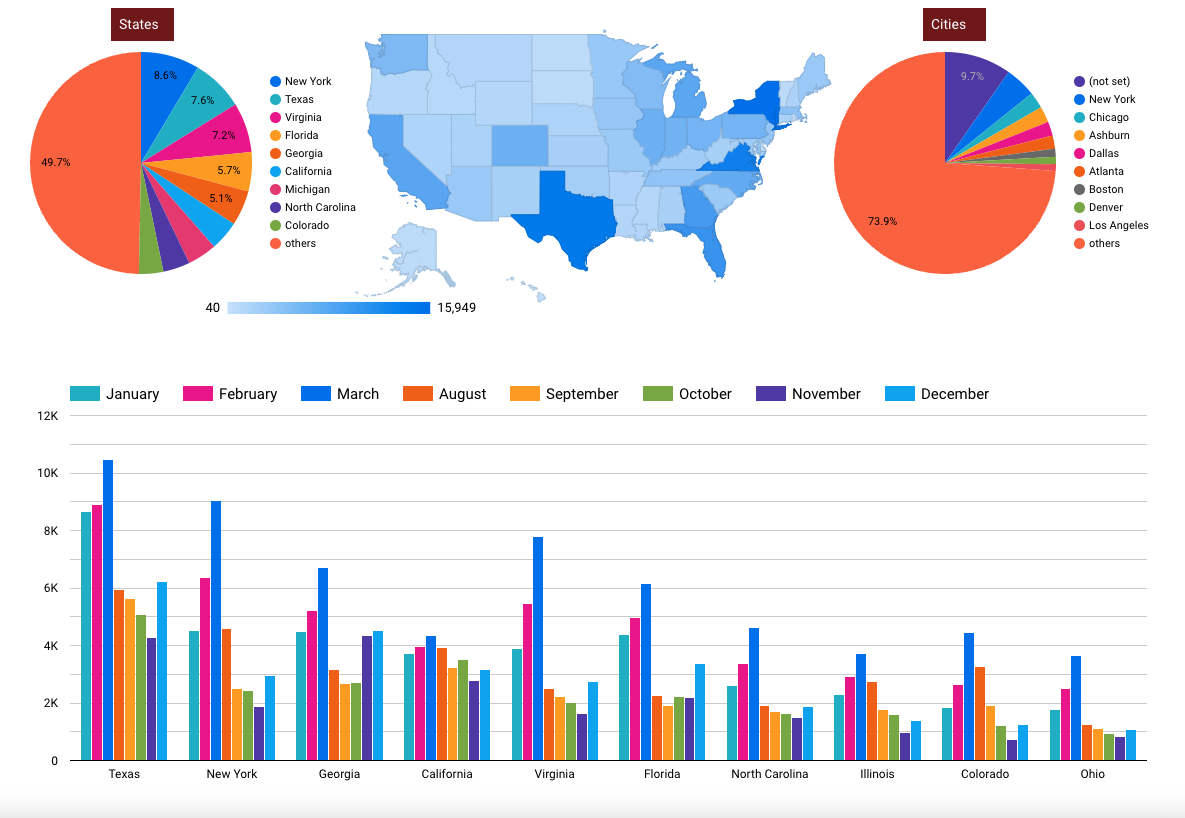
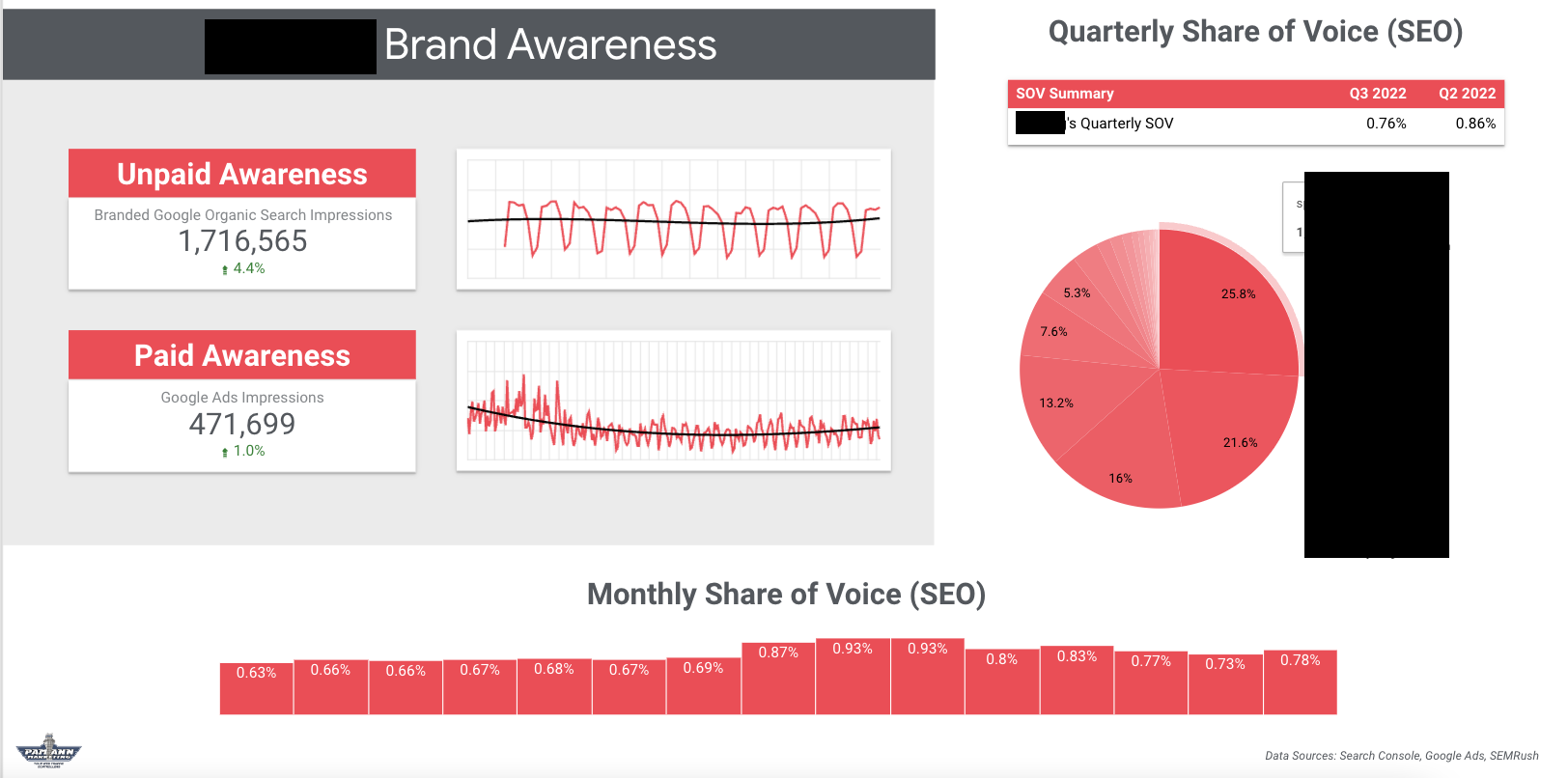
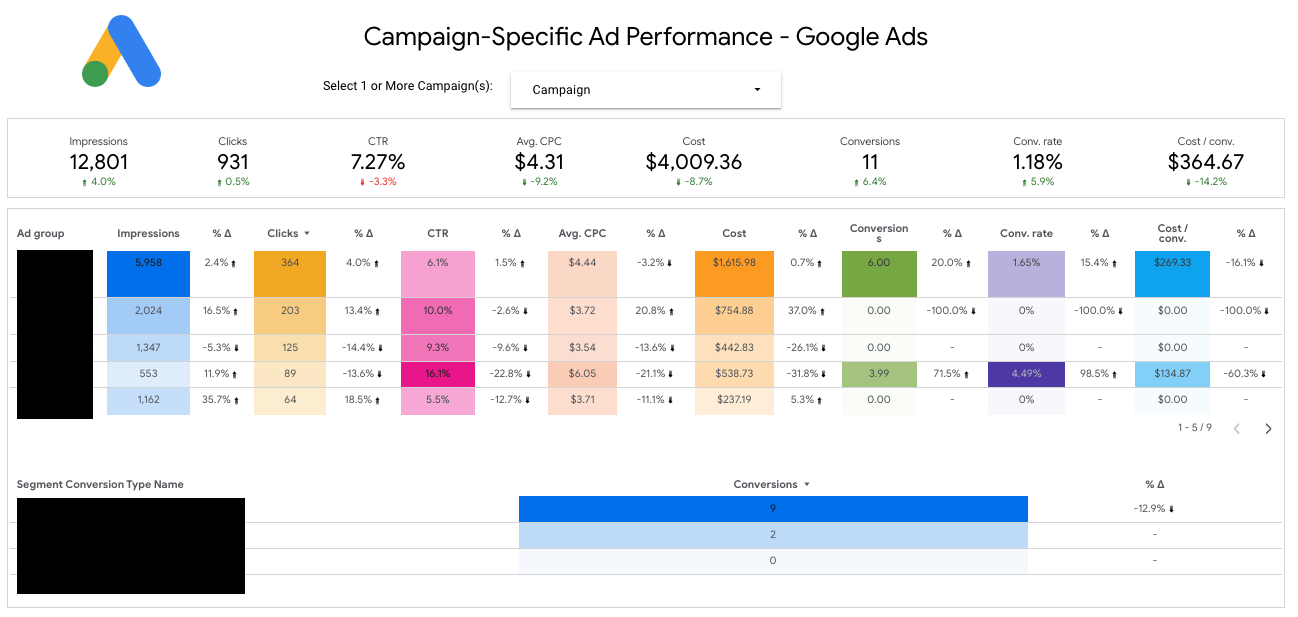
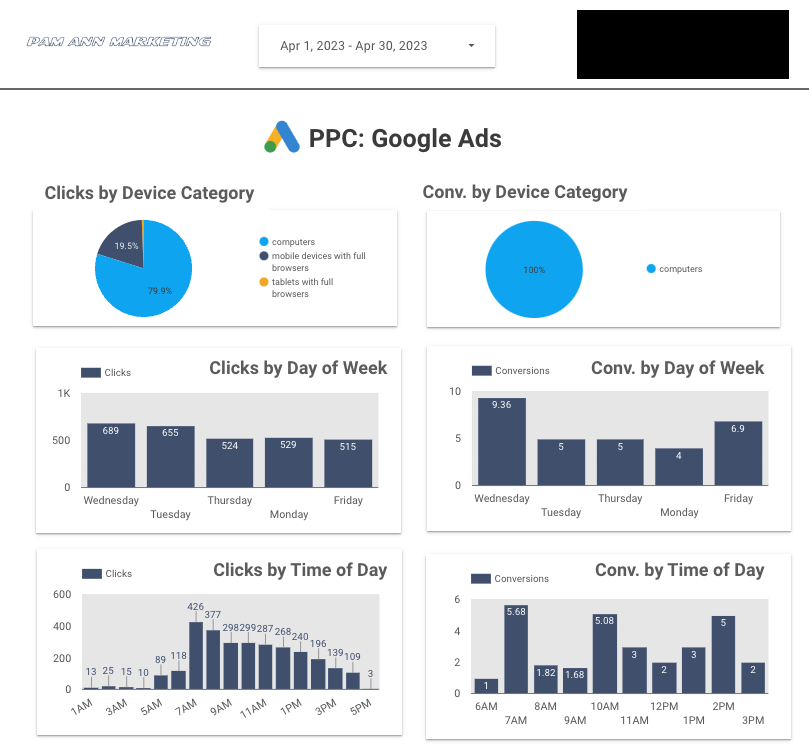
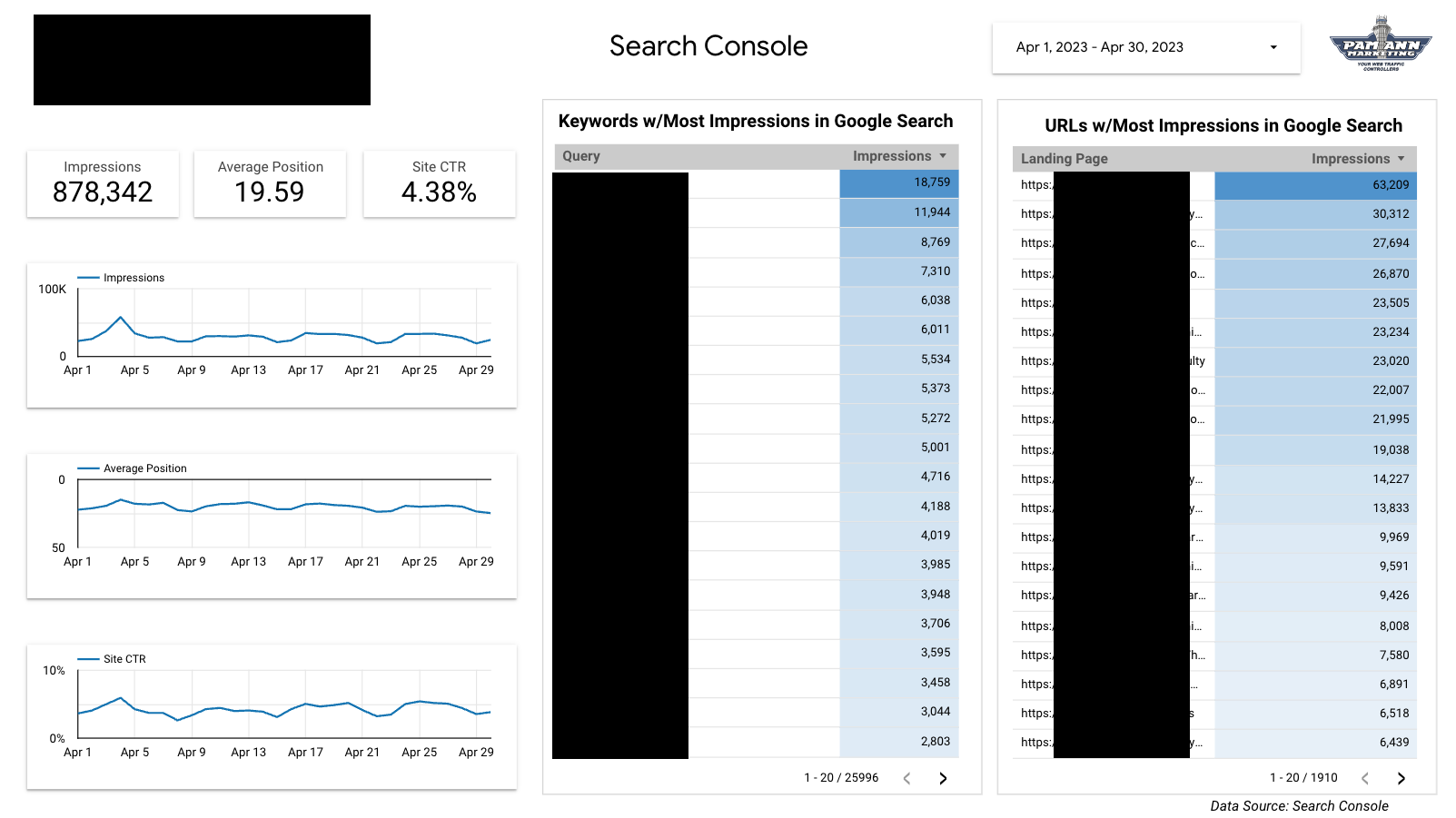
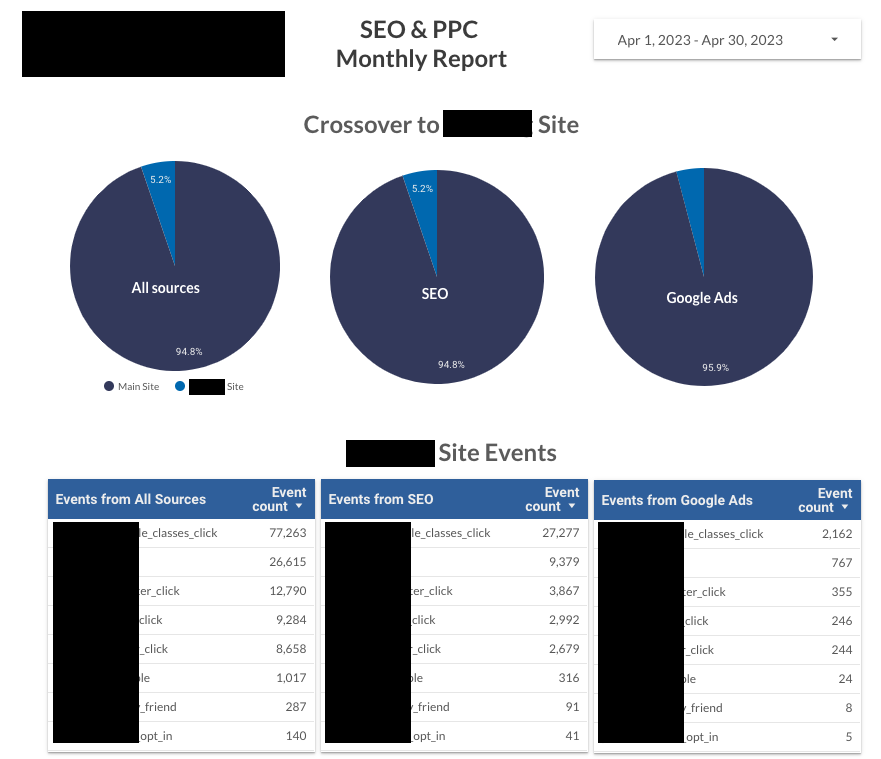
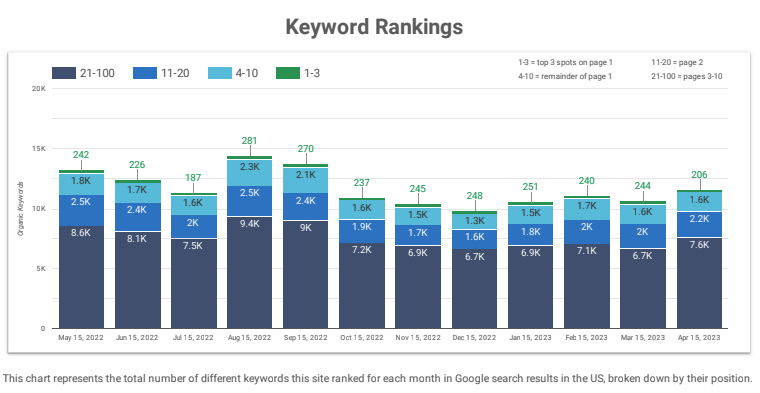
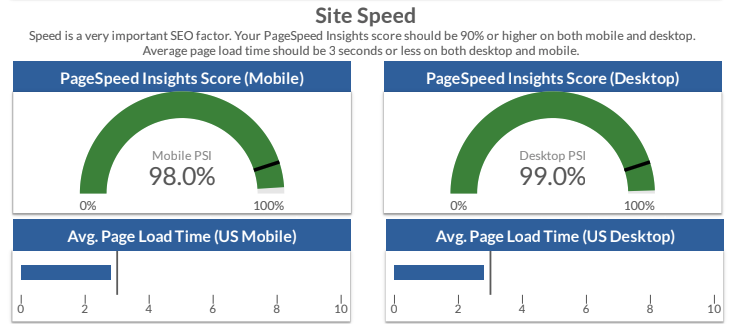
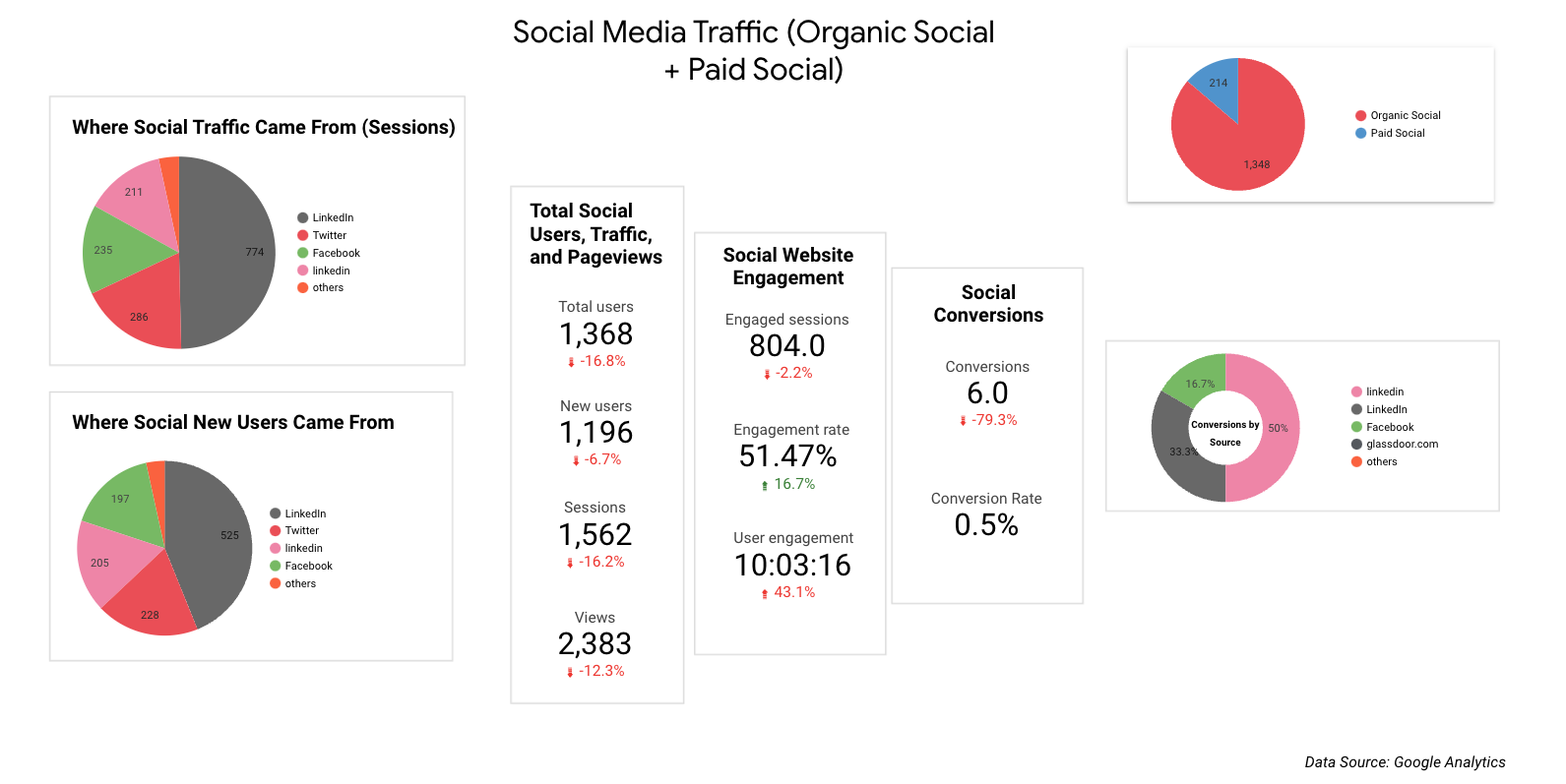
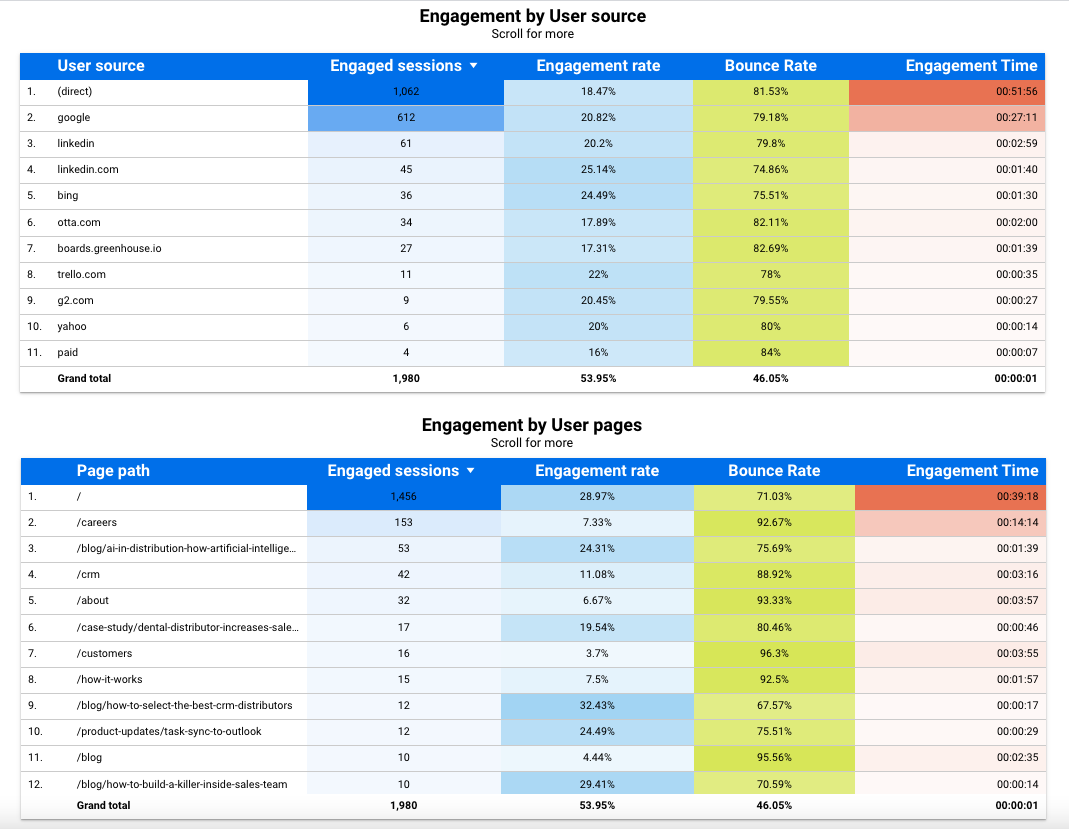
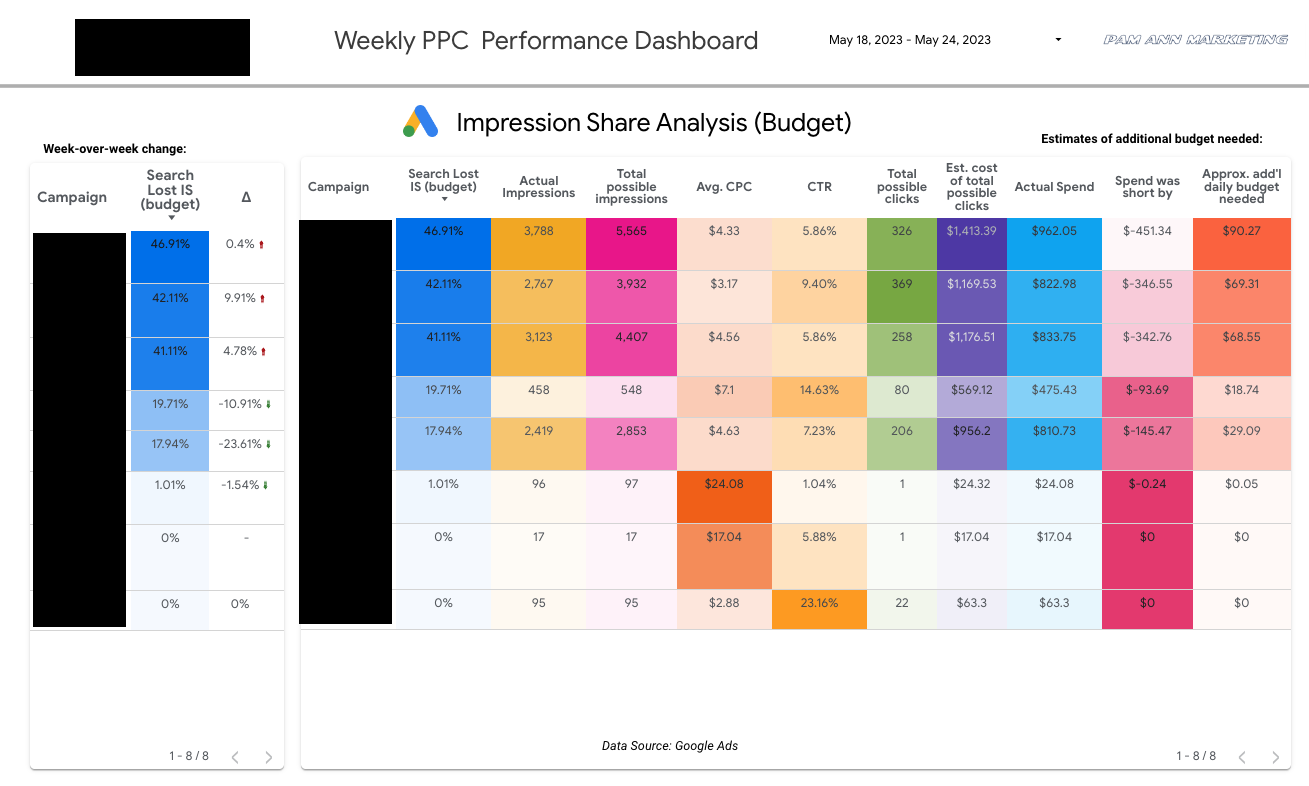
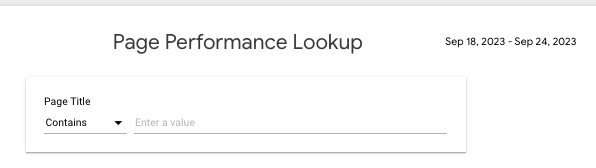
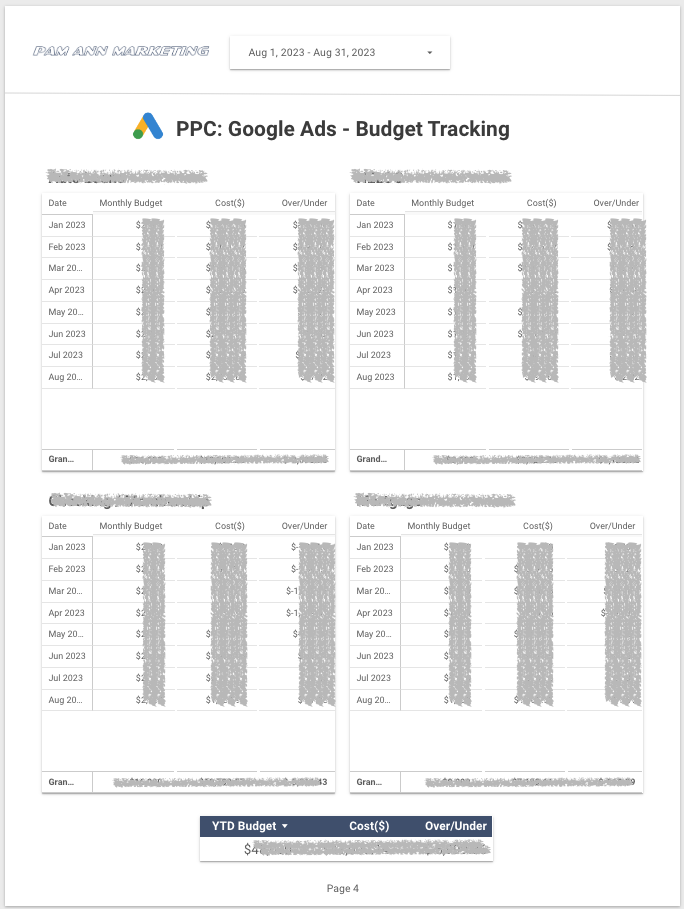
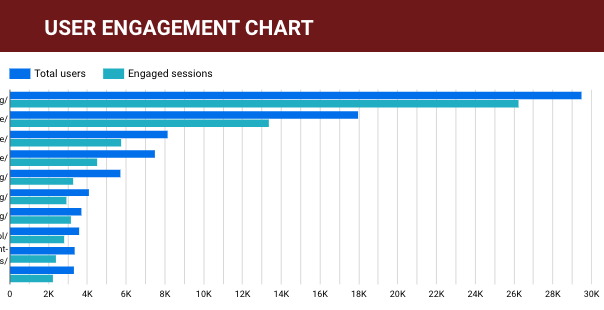
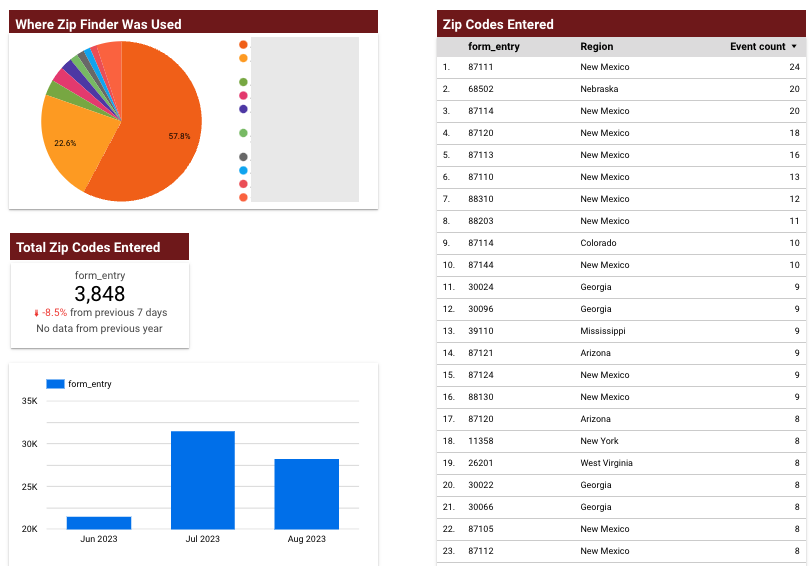
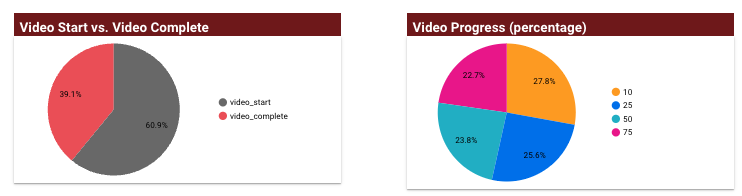
Some Samples of Our Looker Studio Reports...

Reimagine Your Reporting...

You will LOVE having a custom dashboard for all of your website data!

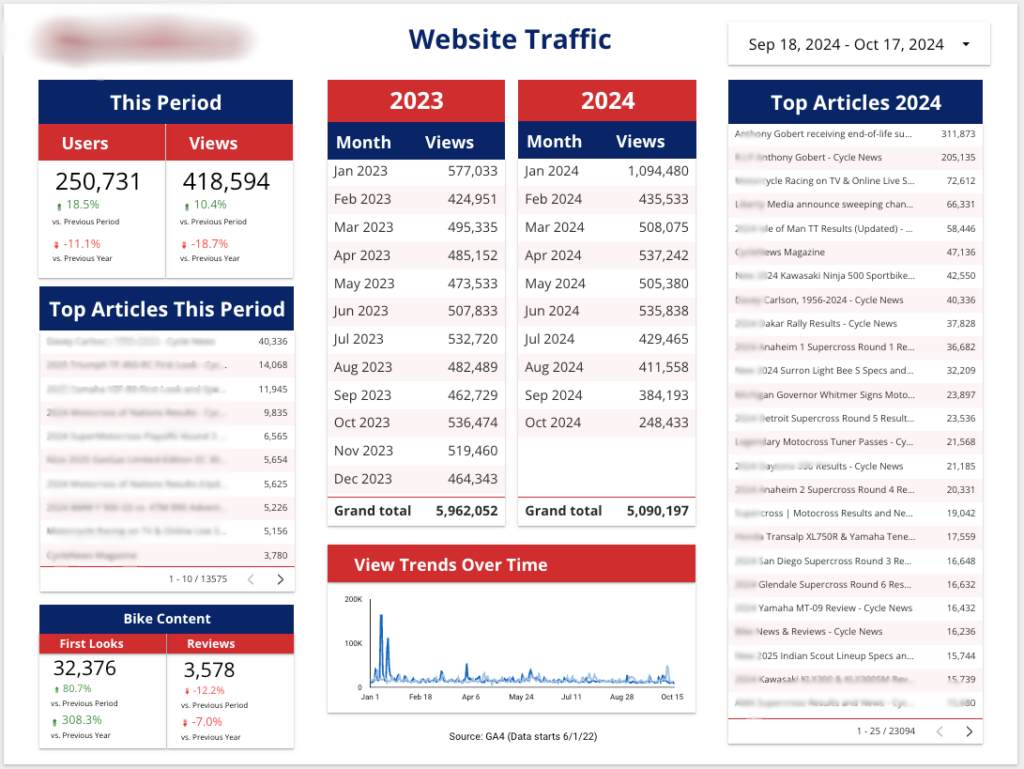
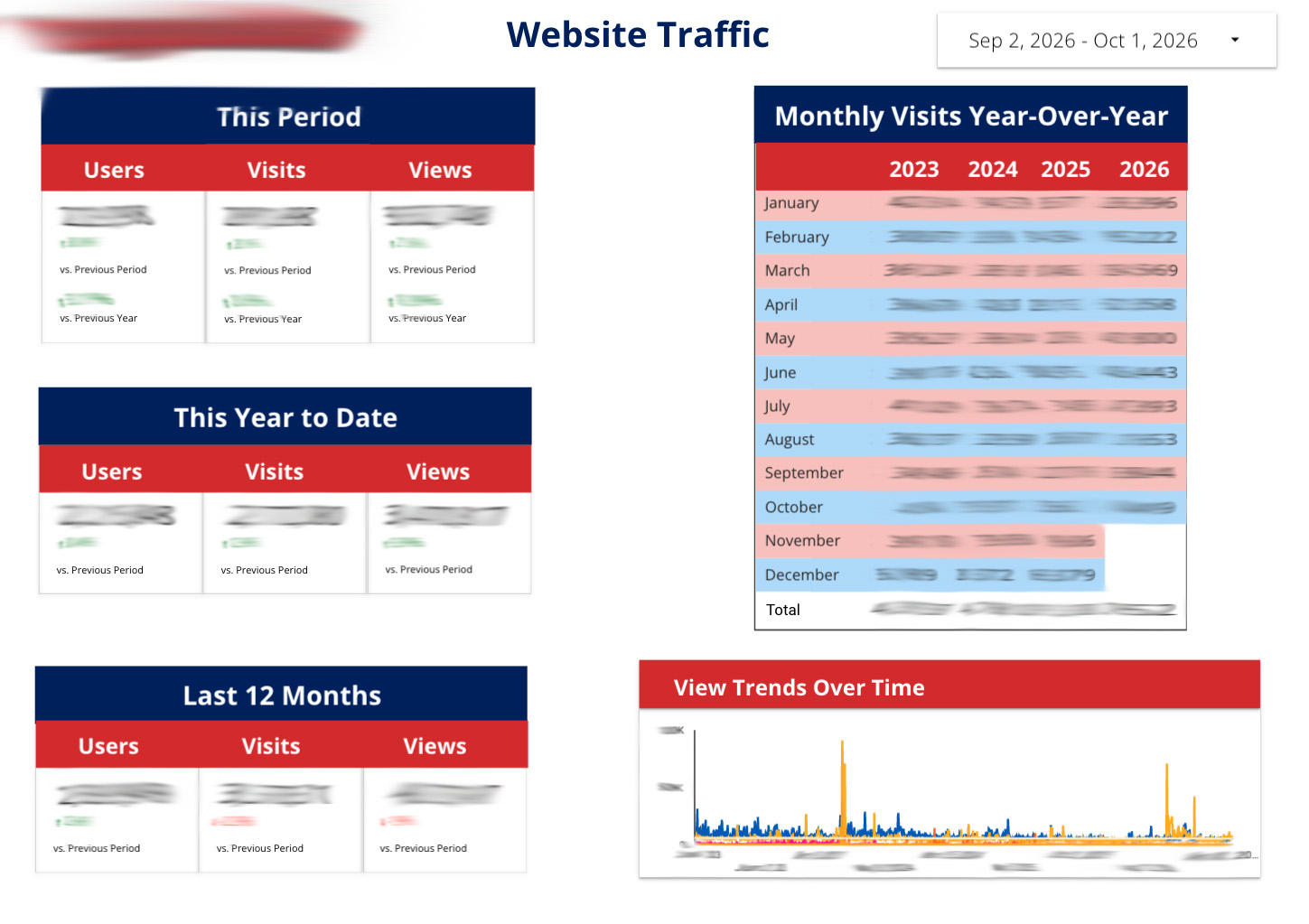
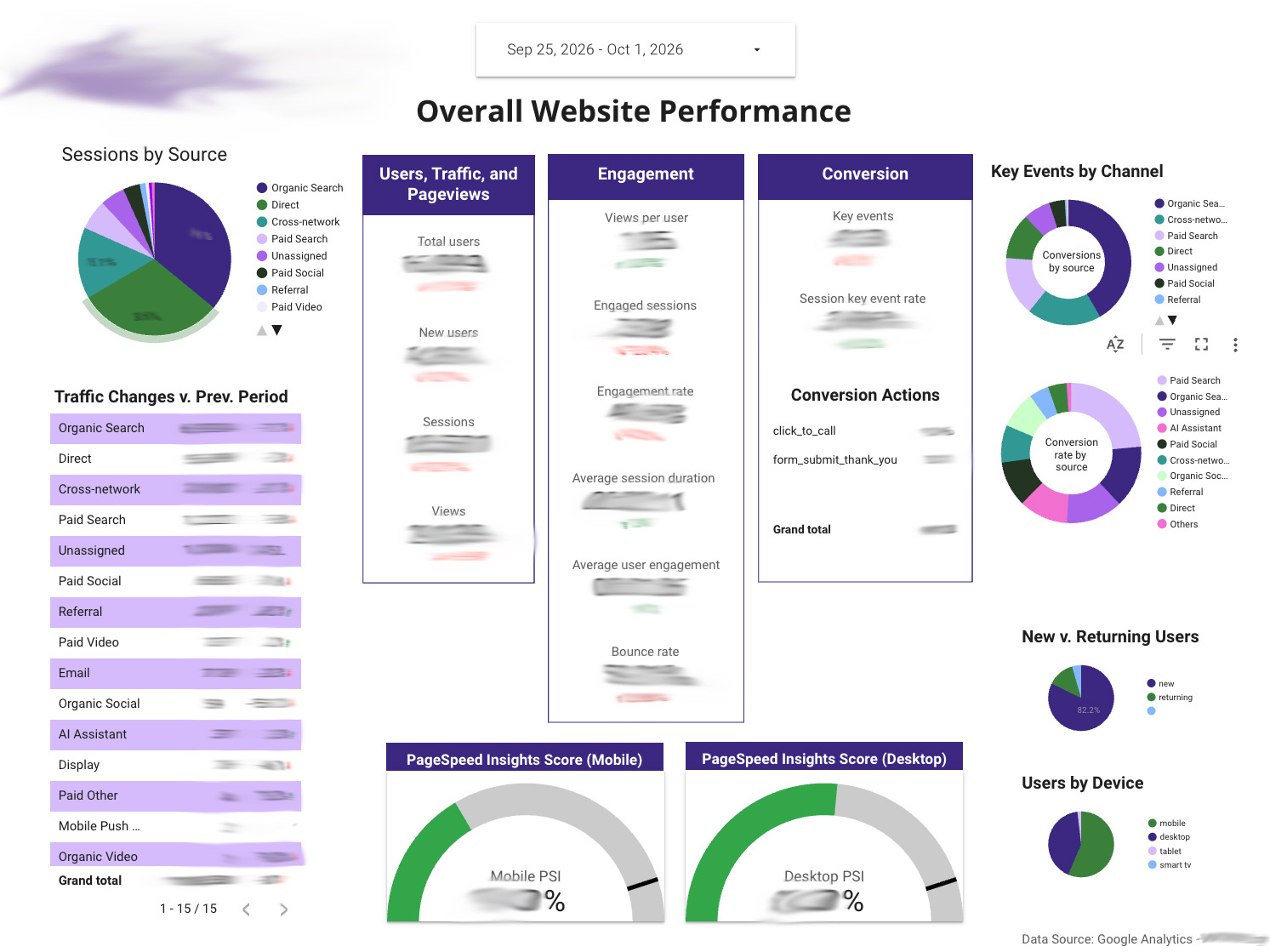
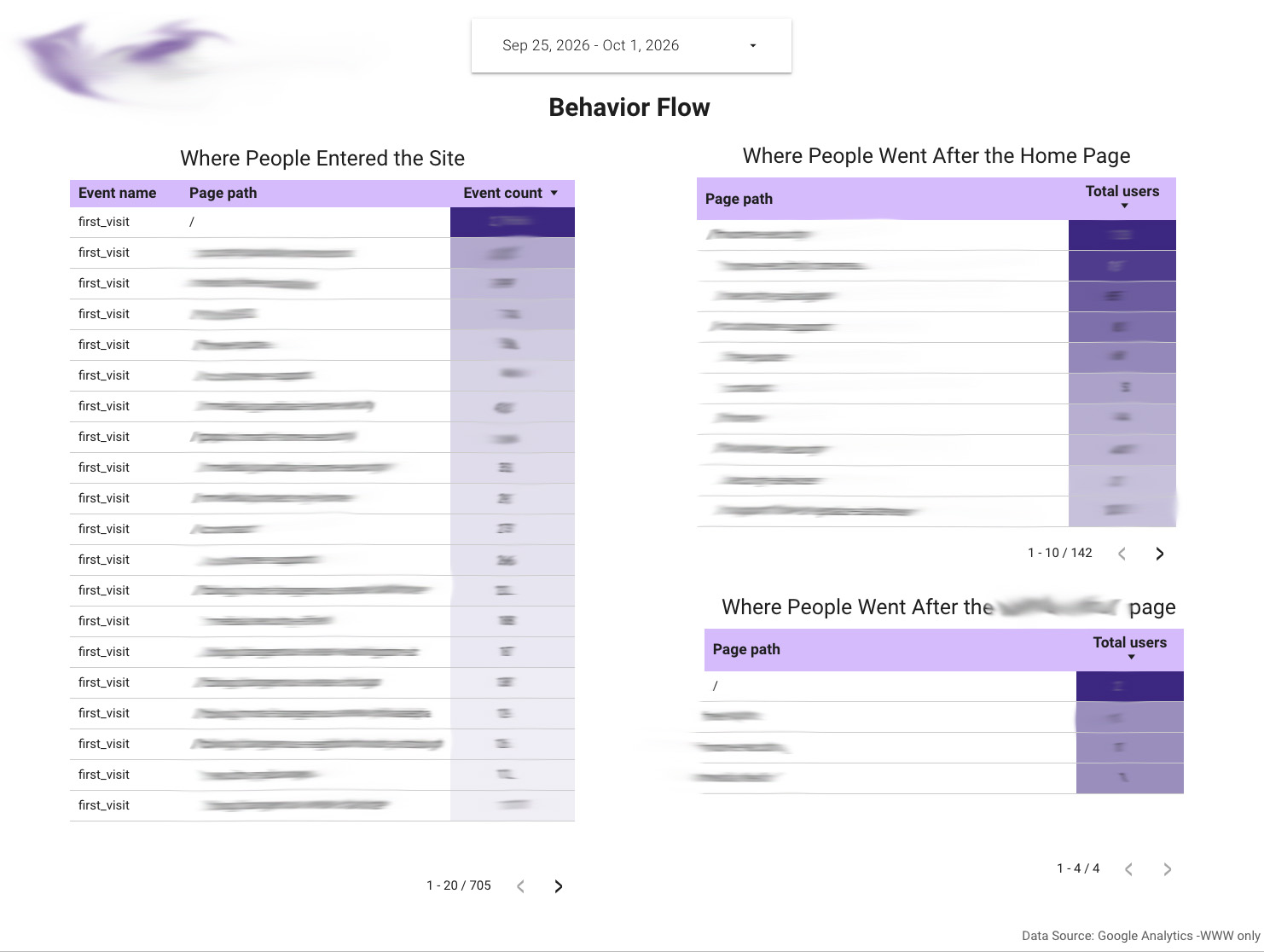
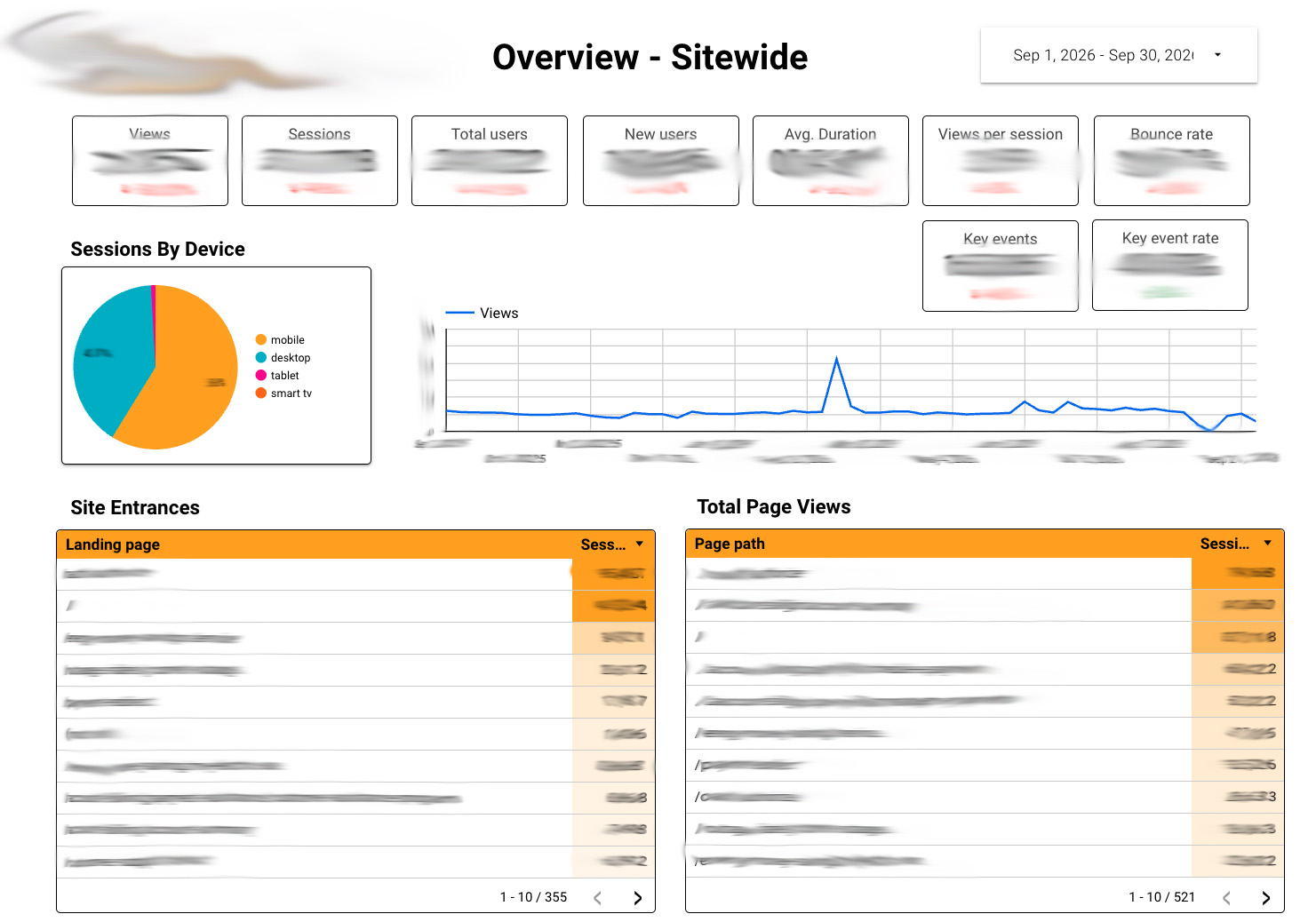
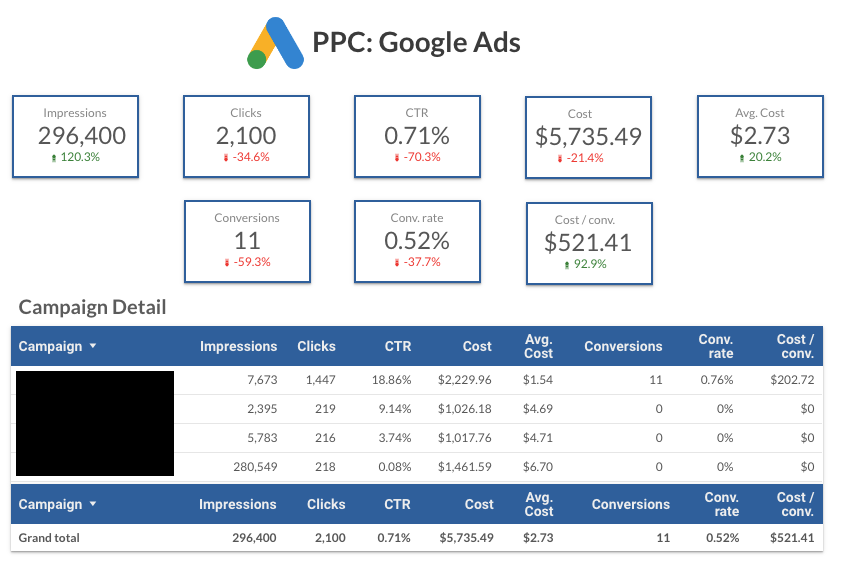
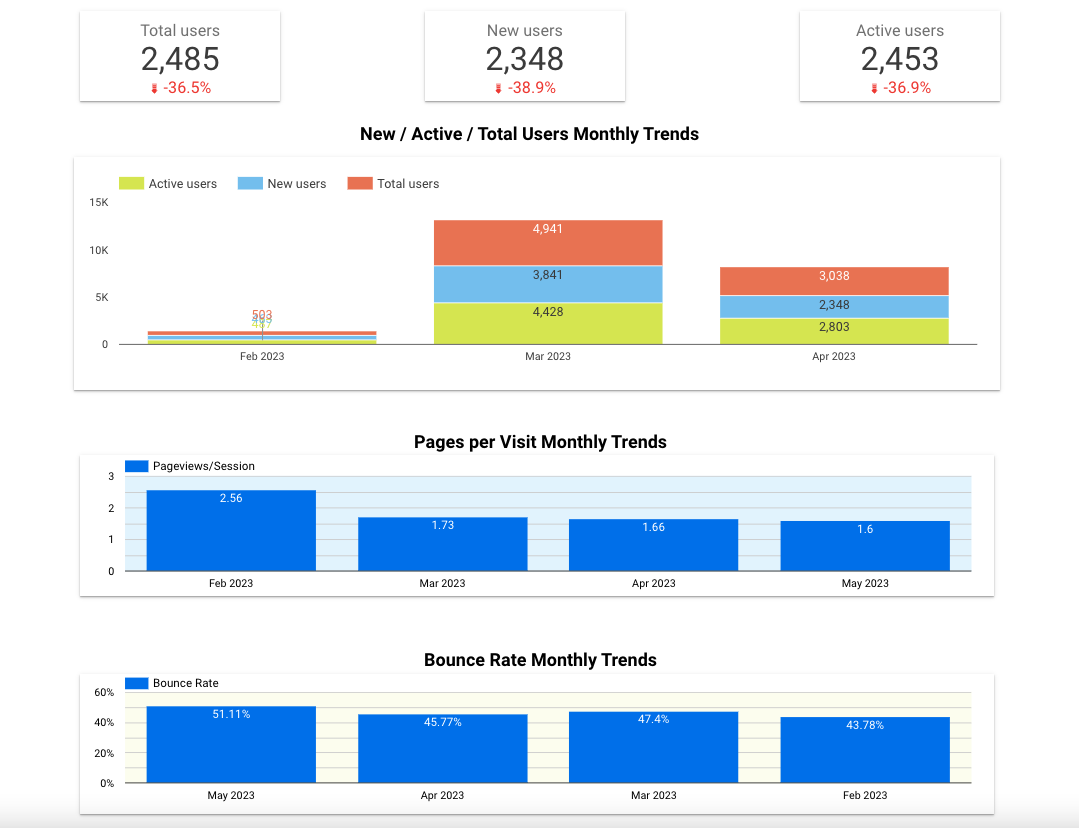
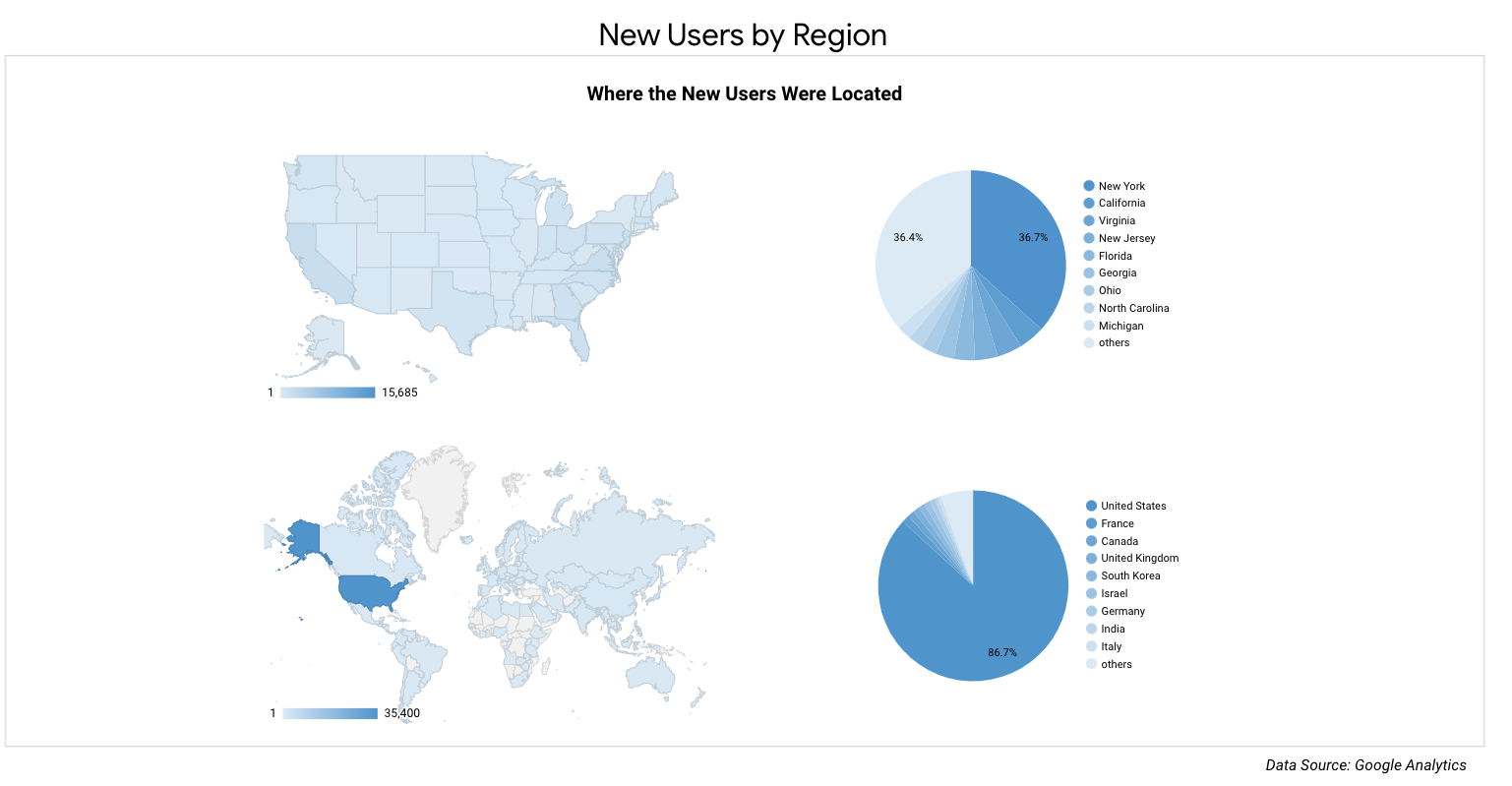
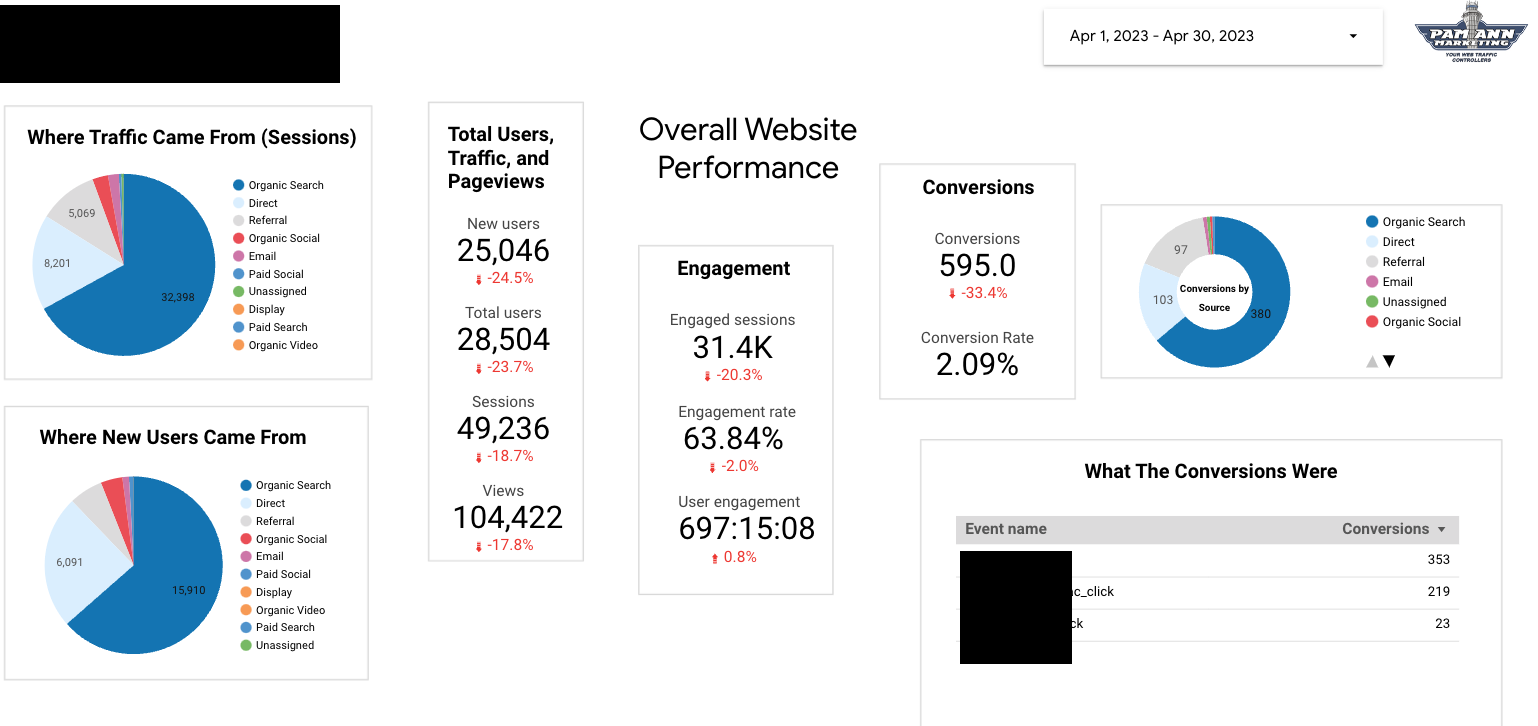
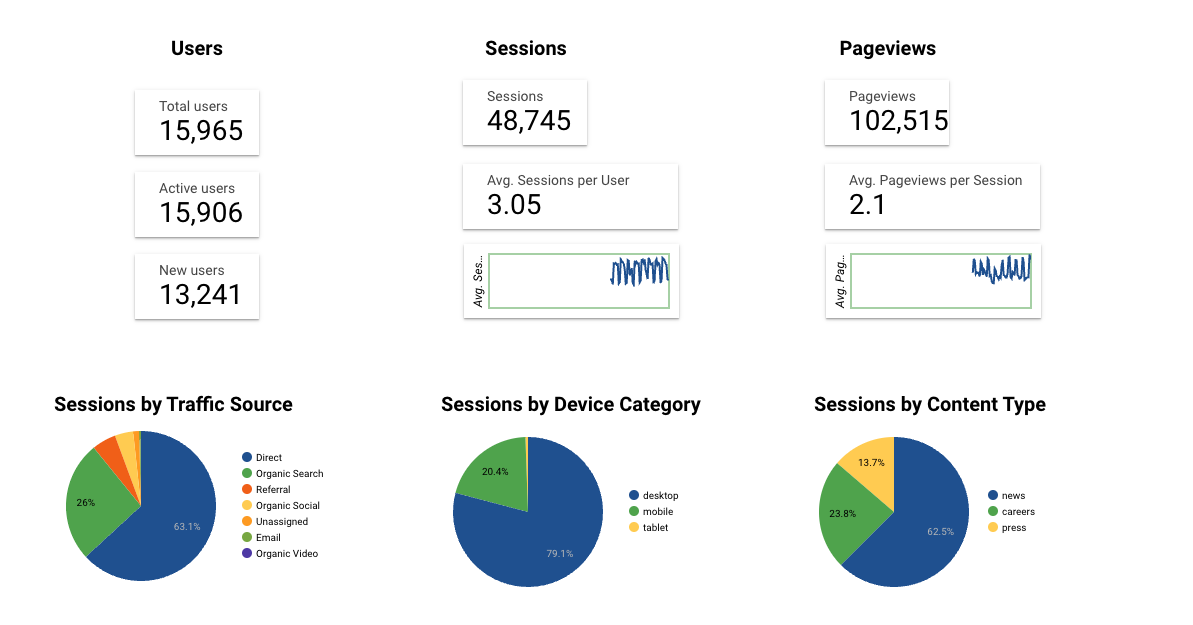
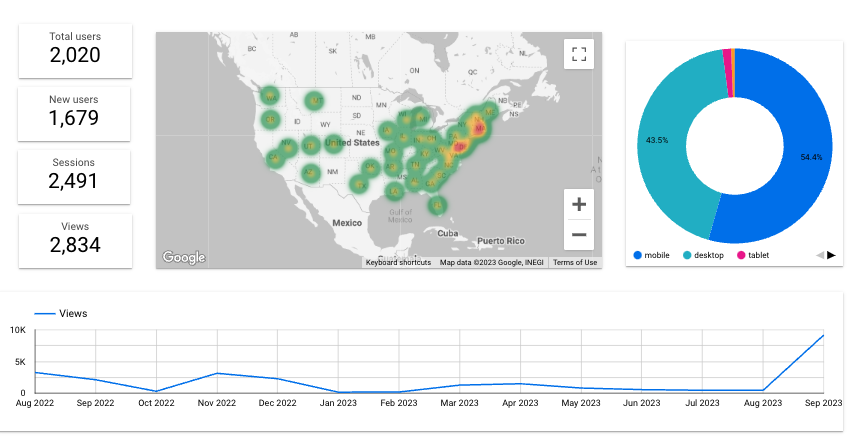
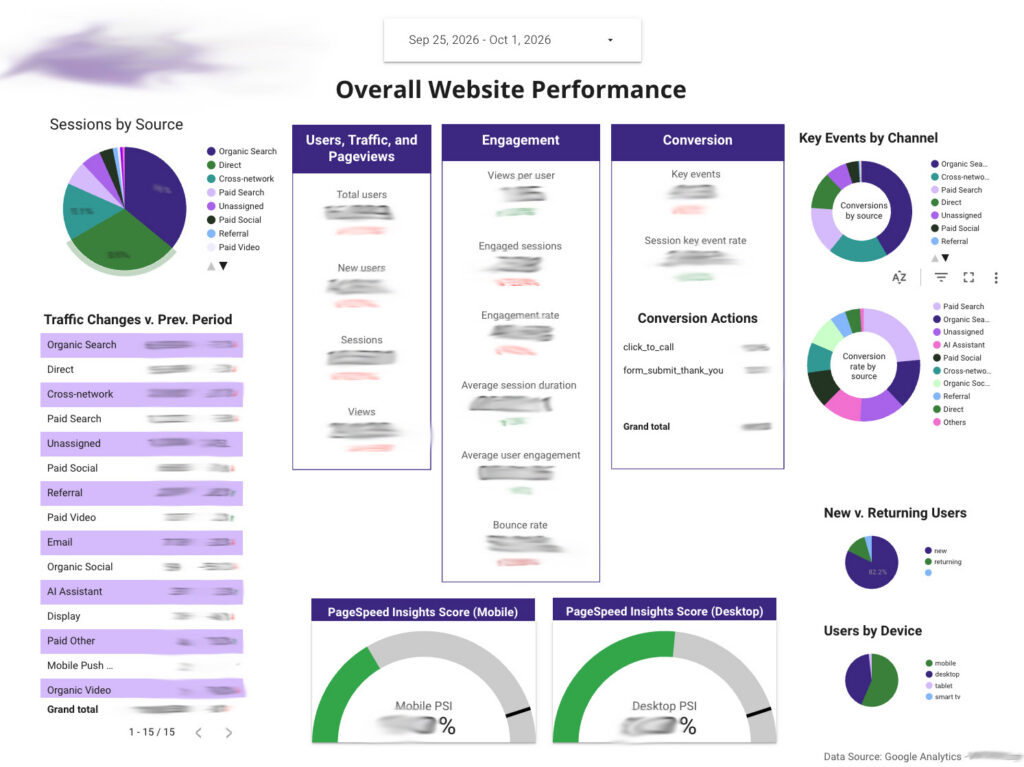
Website Traffic Overview Data Looker Studio Custom Dashboard Page

Our Google Analytics, Tag Manager, and Data Studio Case Studies

Outsourced Data Studio (formerly Looker Studio) Services for Agencies

Need dashboards for your clients but don’t have the time or in-house expertise? Through our white-label division, Stealth Search & Analytics, we build Looker Studio dashboards that your agency delivers under its own brand..

Frequently Asked Questions

  • Is Data Studio the same as Looker Studio?

    Yes, it's the same tool with its original name back. Google launched it as Google Data Studio in 2016, renamed it Looker Studio in October 2022, and renamed it back to Data Studio in April 2026. Existing Looker Studio reports, data sources, and user access carried over automatically, so nothing you built under the old name will break. The paid edition, Looker Studio Pro, is now Data Studio Pro. Looker itself is still a separate product: Google's enterprise business intelligence platform.

  • What's the difference between a custom Data Studio dashboard and GA4's built-in reports?

    GA4's built-in reports show preset views of GA4 data only, inside an interface designed for analysts. A custom dashboard shows only the metrics you care about, in plain language, and can combine GA4 with data from other tools in one place.

  • Is it easy to share reports?

    Yes. Like a Google Doc, you can share a Data Studio dashboard by link, choose who can view or edit it, and schedule it to arrive by email. People can see the dashboard without needing their own access to GA4.

  • What's the difference between free Data Studio and Data Studio Pro?

    Most of our clients use the free version. Data Studio Pro is a paid edition for larger teams. It adds features such as team workspaces, where reports belong to the team instead of one person, and more frequent scheduled report delivery. We'll tell you whether you need it.

  • Can agencies outsource Looker Studio work to you?

    Yes. Through our white-label division, Stealth Search & Analytics, we build dashboards that your agency delivers to clients under its own brand.

  • Can we edit the dashboard ourselves?

    Yes. We'll train your team to make changes, add charts, and adjust date ranges. Or we can handle updates for you as your needs change.

  • What if our GA4 setup isn't accurate?

    Then the dashboard won't be either. We check your tracking before we build. If we find problems, we'll explain them in plain language and can fix them as part of the project.

  • What happens when GA4 or our website changes?

    Changes to your website, forms, or campaigns can affect the data behind your dashboard. We offer ongoing support to keep your tracking and dashboards accurate as things change.