






This SEO Content Audit Template will organize your site’s URLs. Sort all your URLs by what should stay, be deleted, updated, consolidated, redirected, etc. The URL categories are customizable via the “Categories” tab as are the statuses (on the “Statuses” tab). These create handy dropdowns in the spreadsheet. Need help filling this out? Check out […]
Ensure consistent and accurate campaign tracking with our Standard Operating Procedures (SOP) template for UTM Google Analytics. This easy-to-use guide provides a structured approach to creating and managing GA4 UTM parameters, helping you track marketing performance effectively. Avoid data inconsistencies and gain clear insights into traffic sources with standardized UTM tagging. Download Instantly!
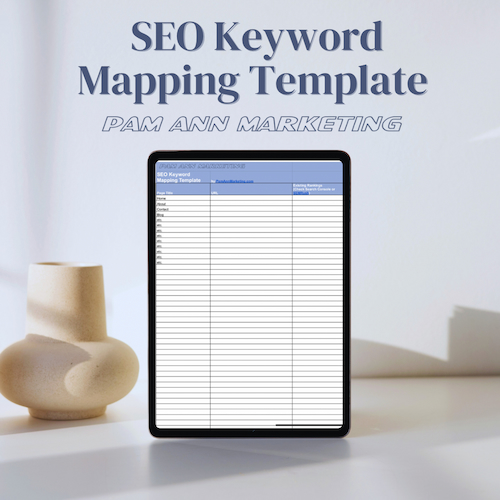
What is Keyword Mapping? Keyword Mapping is an SEO practice where keywords are strategically organized into groups and “mapped” (assigned) to certain pages on a website. It involves researching keywords, grouping them by topic and intent, assigning primary and secondary key phrases to each page, and preparing meta tag content for each page. It also […]
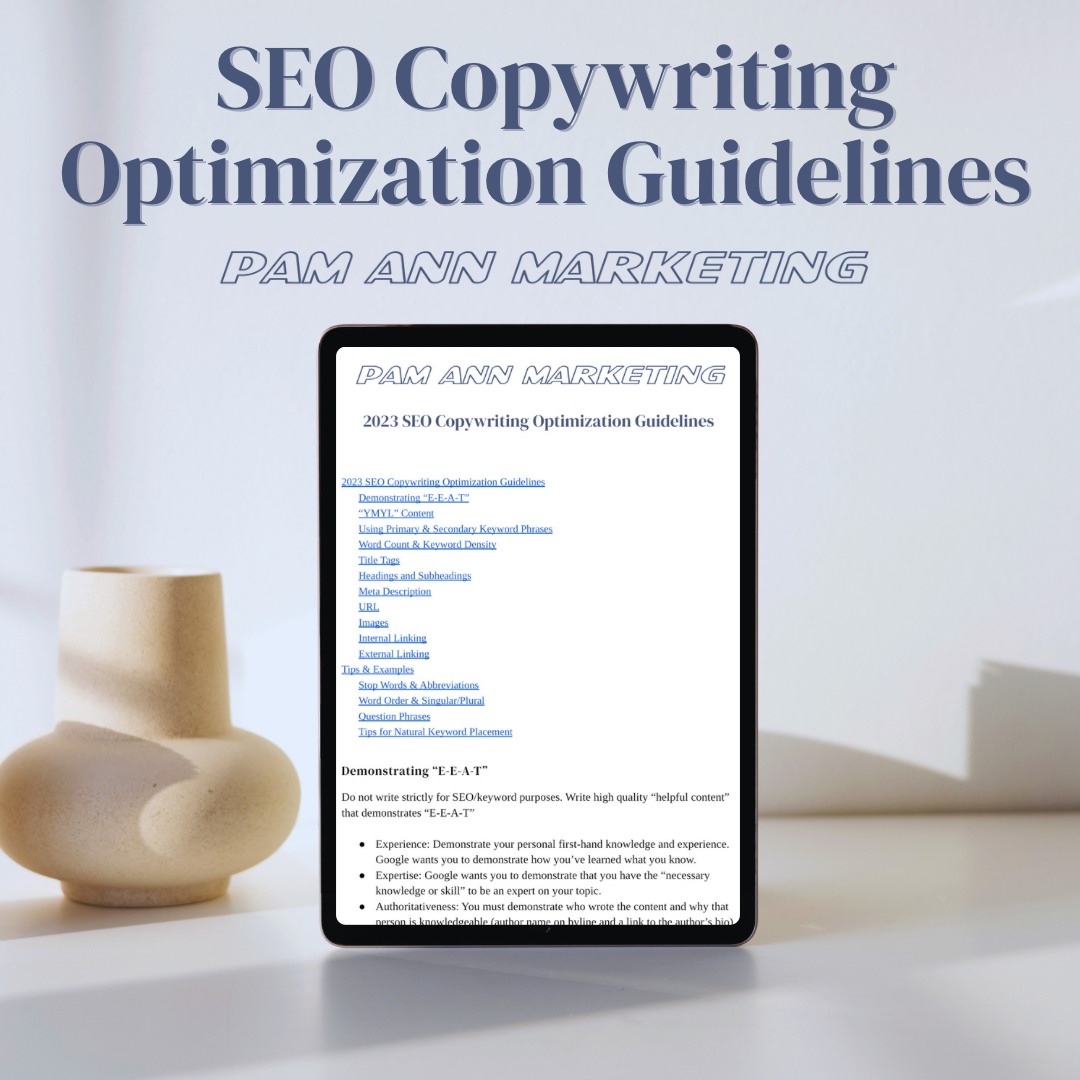
These are our comprehensive guidelines for how to write SEO-optimized copy that reads naturally yet sends clear keyword signals to search engine bots. Need help filling this out? Check out our Professional SEO Services or our SEO Training offering. Download Instantly!
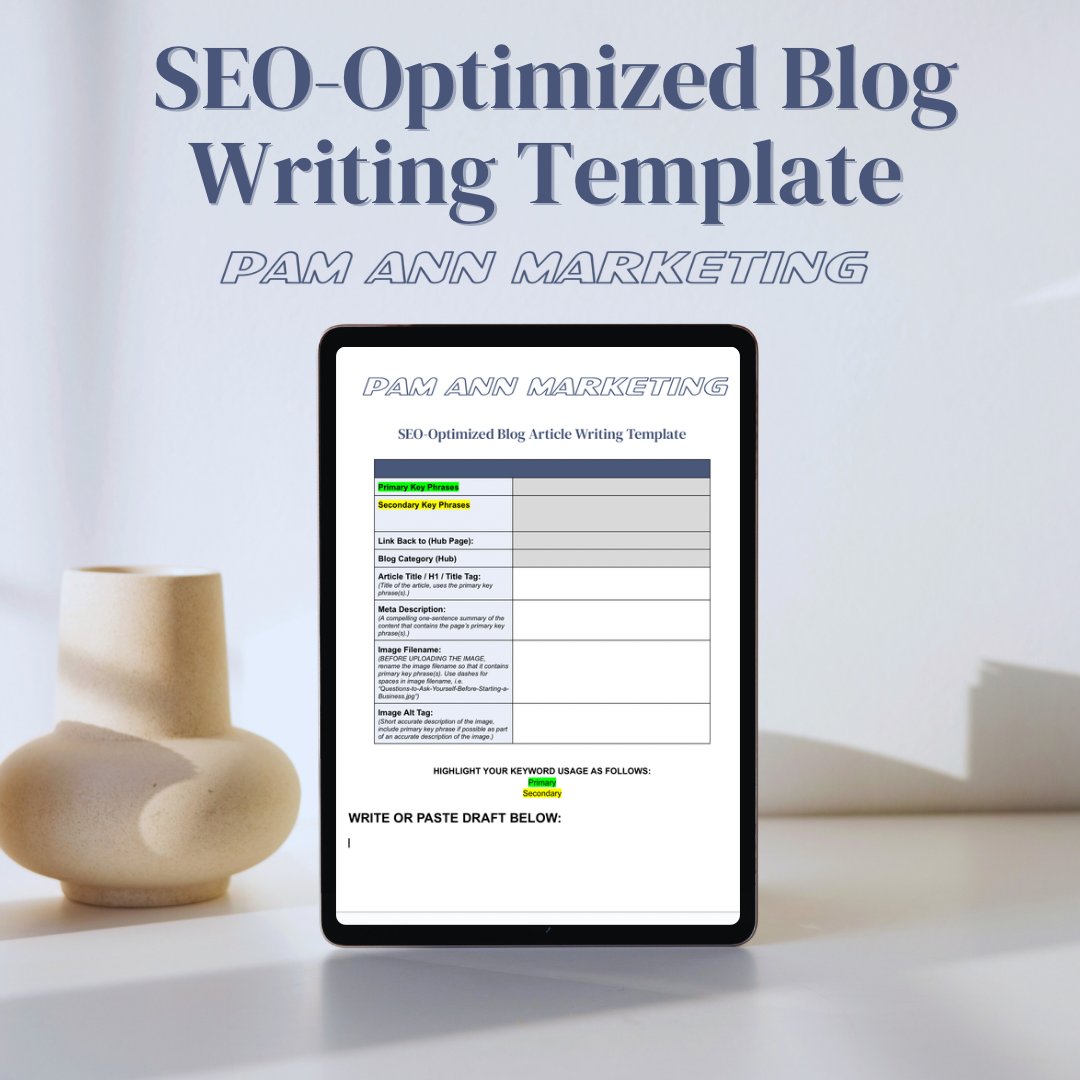
This SEO-Optimized Blog Writing Template makes it easy to plan out a keyword-optimized article. Use it in conjunction with the SEO Blogging Schedule Template to plan out your writing! Need help filling this out? Check out our Professional SEO Services or our SEO Training offering. Download Instantly!
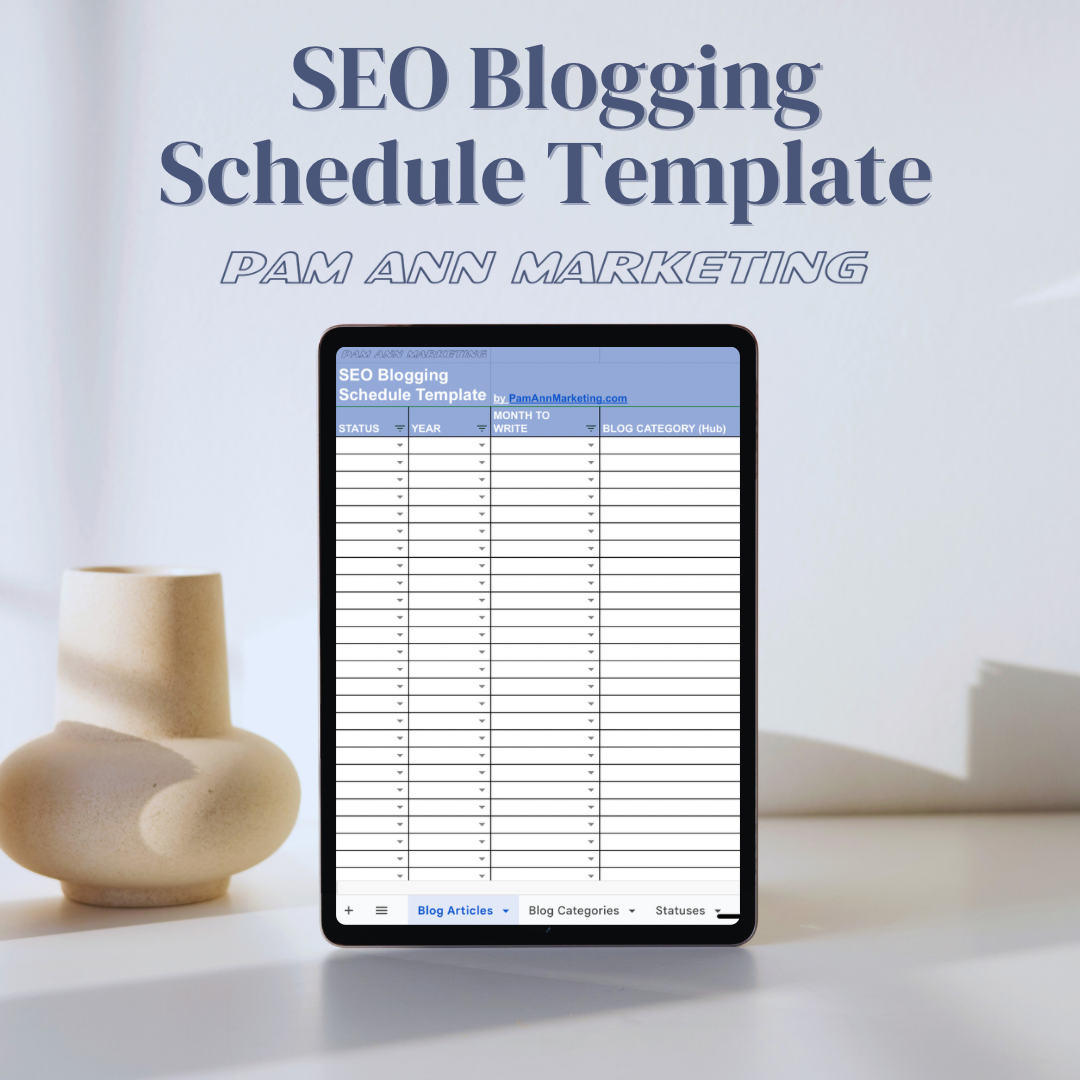
This SEO Blogging Schedule Template will clear up your writers block in no time. Fill out your dates, topics, categories, primary keywords, secondary keywords, internal links, and status. The blog categories are customizable via the “Categories” tab as are the statuses (on the “Statuses” tab). These create handy dropdowns in the spreadsheet. Download Instantly!